
Design System for Enterprise Ecosystem
Building a living design ecosystem from scratch to unify complex market intelligence apps, internal tools, and marketing assets.
Design System Architect
Internal Tools
Research Surveys
Marketing
DesignOps
Front-end (HTML/CSS/JS/GIT)
UX Writing
My Role & Responsibilities
The architect and evangelist
As the Head of Product Design, my role extended far beyond creating UI components. I was the core architect and evangelist of the system. I led the strategic vision, managed a team of contributing designers, and established a governance model.
Because I understand front-end code (HTML, CSS, JS, Git), I ensured our design tokens and components were technically bulletproof and ready for cross-stack implementation.
-
Strategy & Leadership
Pitched the initiative and aligned it with business goals across product and marketing teams. -
DesignOps & Management
Delegated tasks, mentored designers, and built a transparent contribution workflow. -
System Architecture
Created the foundational taxonomy, component logic, and comprehensive documentation. -
Frontend Development
Validated design tokens and prototyped components in code to bridge the gap with engineering.
The Challenge
Unifying a fragmented product ecosystem
We weren't starting from a blank canvas. The company already had a sprawling portfolio of active products, each built on entirely different technology stacks and featuring unique layouts.
The core challenge was navigating this tension. We needed to unify the user experience and accelerate time-to-market, but we couldn't strip away individual product identities. Users had to feel they were in a cohesive ecosystem while always knowing exactly which tool they were using.
-
Contextual Consistency
Balancing global UI standards with product-specific identities to prevent users from losing their context. -
Tech-Agnostic Architecture
Designing flexible tokens and foundations to support seamless integration across multiple engineering stacks. -
Accelerated Delivery
Streamlining the design-to-development handoff to drastically cut down time-to-market for new features. -
Adoption & Governance
Establishing clear documentation and contribution workflows to ensure the system scales gracefully.
Preview
An atomic foundation for apps and marketing
What you see below is just a fraction of a comprehensive system built on atomic design principles. From dense web applications to marketing presentations, these building blocks provide everything needed to scale efficiently while maintaining absolute consistency across the entire product ecosystem.
Beyond Pixels: Brand Voice
A unified interface fails if the words are confusing. I embedded UX Writing and Brand Voice directly into the design system. By replacing analytical jargon with human-centric copy, we bridged the gap between product and marketing and lowered the cognitive load for our users.
I trained employees in plain language, our brand voice and how to use our design system.
Systematic Iconography & Taxonomy
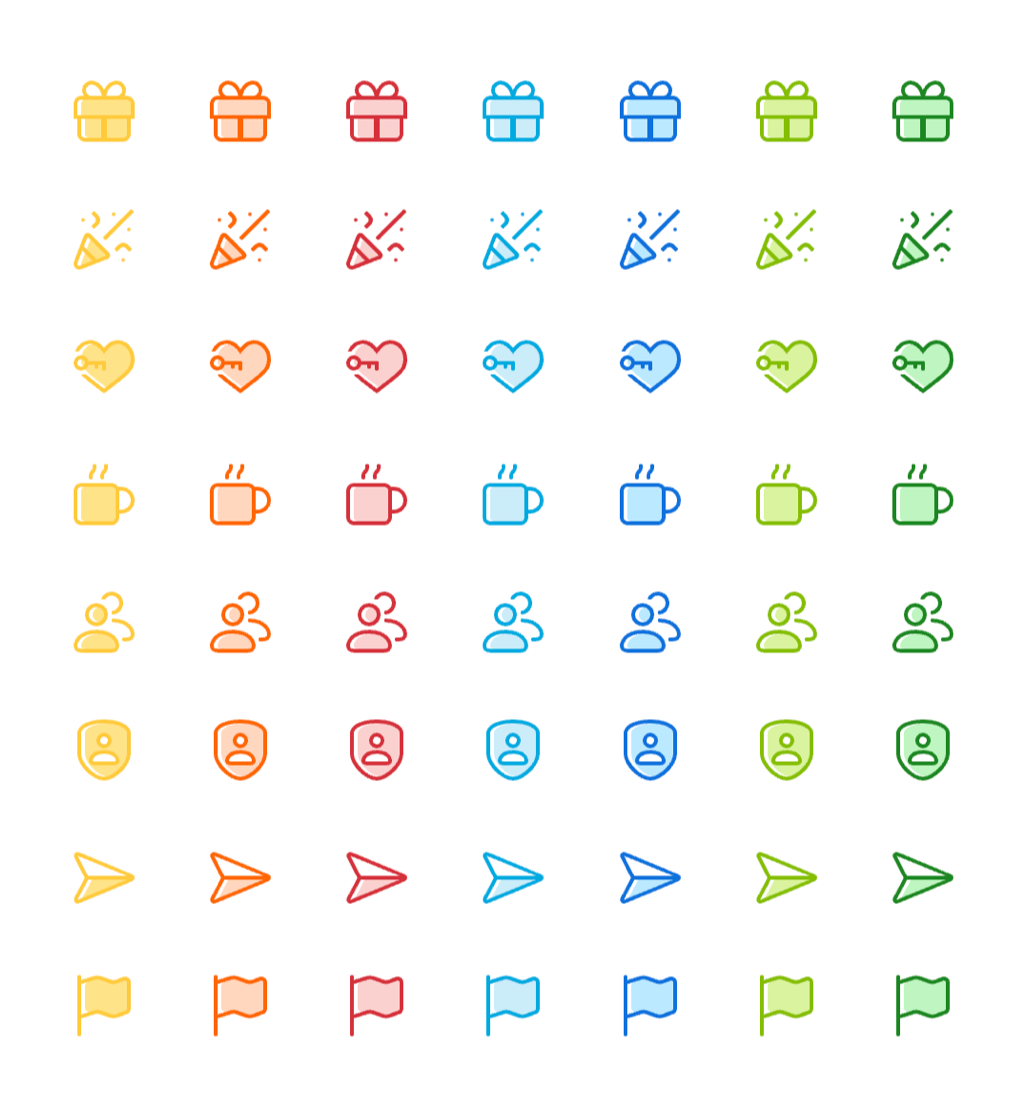
Four styles, one system - two for product interfaces, two for marketing. Each style has a clear role, so the right icon always feels native to its context.
A clear spec and acceptance checklist means any designer - in-house or external - can contribute a new icon without handholding. From concept to pull request, the process is fast and repeatable.
Taxonomy is the backbone. Every icon is tagged by category, semantic intent, and context of use - so the same concept always maps to the same icon. No drift, no duplicates, no guessing.
Developers pulled icons directly from the repository. Everyone else - designers, marketing, customer service - used a dedicated icon portal built for self-service.
Data Visualisation at Scale
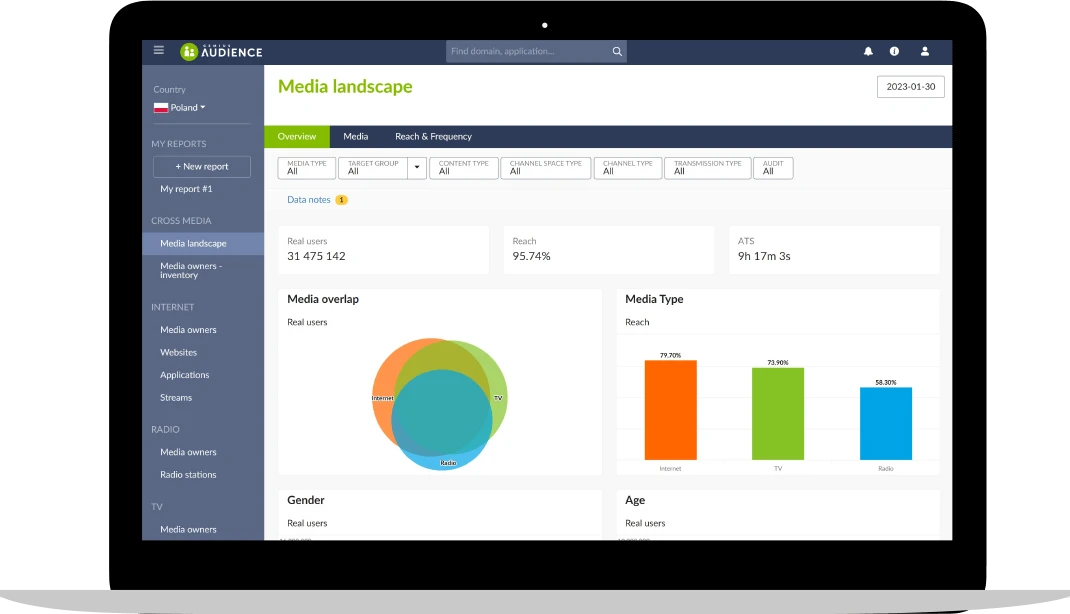
We designed guidelines for 9 interactive chart types - from bar charts to Venn diagrams and treemaps. Each comes with clear rules: when to use it, how to handle overlapping series, outliers, and empty states.
Tables follow the same logic. Each variant - including pivot tables - covers a specific use case, and the system includes the full interaction model - selecting dimensions, choosing metrics, sorting, filtering.
Colour ties it all together. Each colour has a defined role - categorical, sequential, diverging - so the right colour always carries the right meaning across every chart and table type.
To speed up implementation, the system shipped with ready-to-use chart code configurations. Teams started from a solid, tested baseline - and when the system evolved, updates propagated across products automatically.
All of this scales up to dashboards. Built from small, composable blocks, the same logic that governs a single widget can power a full command centre.
The Single Source of Truth
To guarantee adoption, documentation must go beyond visual specs. We mapped every component with a strict anatomy: interactive states, tech-agnostic design tokens, accessibility rules, and clear anti-patterns (how not to use it). This eliminated guesswork during developer handoff and protected product roadmaps from UI technical debt.
Impact across the organisation
One system, four teams, measurably faster.
The real proof of a design system isn't the library - it's what every team stopped having to argue about.
Product Designers
Ended endless debates over sizes and spacing. Designers cut prototyping time and shifted focus to user research, complex flows, and solving real UX challenges.
Software Developers
Replaced guesswork with clear, tech-agnostic specs and tokens. Developers across different tech stacks implemented components faster.
Marketing
Broke down silos between product and marketing teams. We extended the system to presentation templates and emails. Marketing created on-brand assets faster, ensuring a seamless user journey from landing page to the app.
Customer Service
Design system made complex data tools easier to learn. This directly reduced support tickets and helped agents guide users efficiently.
Governance: Built to Survive and Scale
A design system dies if it cannot evolve. I structured the Design System with an open-source mindset.
While I led the core maintenance, any team could propose new components. Because we built the system to be tech-agnostic, pulling updates was practically frictionless. System updates no longer had to compete with product feature roadmaps - they empowered them.
Let's work together.
Looking for a senior designer who thinks like a product owner and ships in code? Let's talk about complex platforms, design systems, or phygital products.